A pallet display can move product fast, but it can also fall apart fast at store level. The problem is not always the structure. In many retail projects, the real weakness is refill logic. If a pallet display is hard to restock, hard to face, or hard to keep balanced after the first few sales, the display loses selling power long before the campaign ends.
From a supplier perspective, this is one of the most common mistakes in pallet display planning. Buyers approve the launch look, then discover the refill pattern is slow, uneven, or unstable. This guide explains five practical refill rules that help a pallet display stay stable, full, and easier for retailers to restock in real store conditions.
Rule 1: Choose a Product Mix That Refills Cleanly
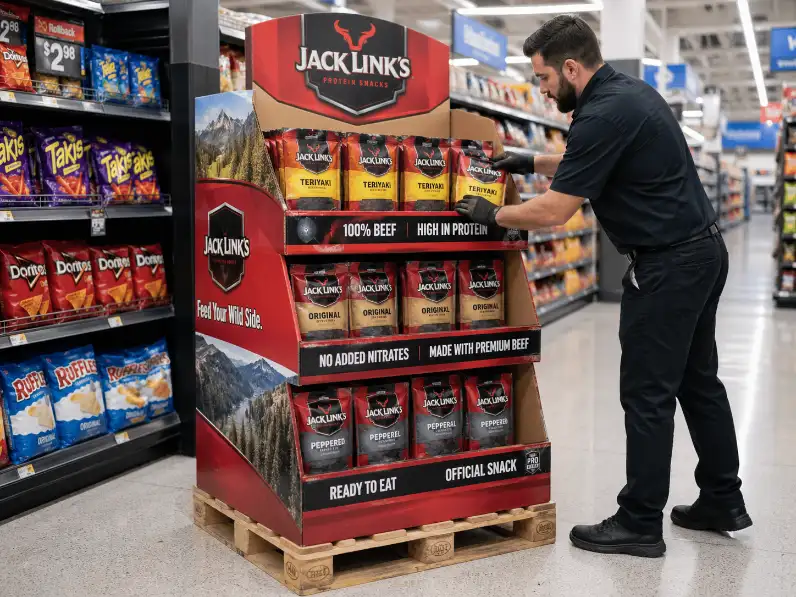
The fastest refill usually starts with the right product mix. A pallet display works better when the products are easy to lift, easy to place, and easy to face in clear rows. When the packs twist, collapse, slide, or vary too much in size, refill becomes slower with every carton opened.
That is why uniformity matters. Products with similar case size, pack depth, and facing direction usually refill better because store staff can rebuild the visual block quickly. Mixed product sizes can still work, but only when the grouping is deliberate and easy to read.
In our experience, pallet displays stay stronger when the refill pattern feels repeatable. If the staff member has to stop and decide where each case should go, the display will lose order faster. That is time no store wants to spend.
If you are still deciding whether the product itself belongs on this format, our guide to products that work best on a pallet display is the best internal page to read first.
Rule 2: Build the Refill Pattern Around Real Hand Movement
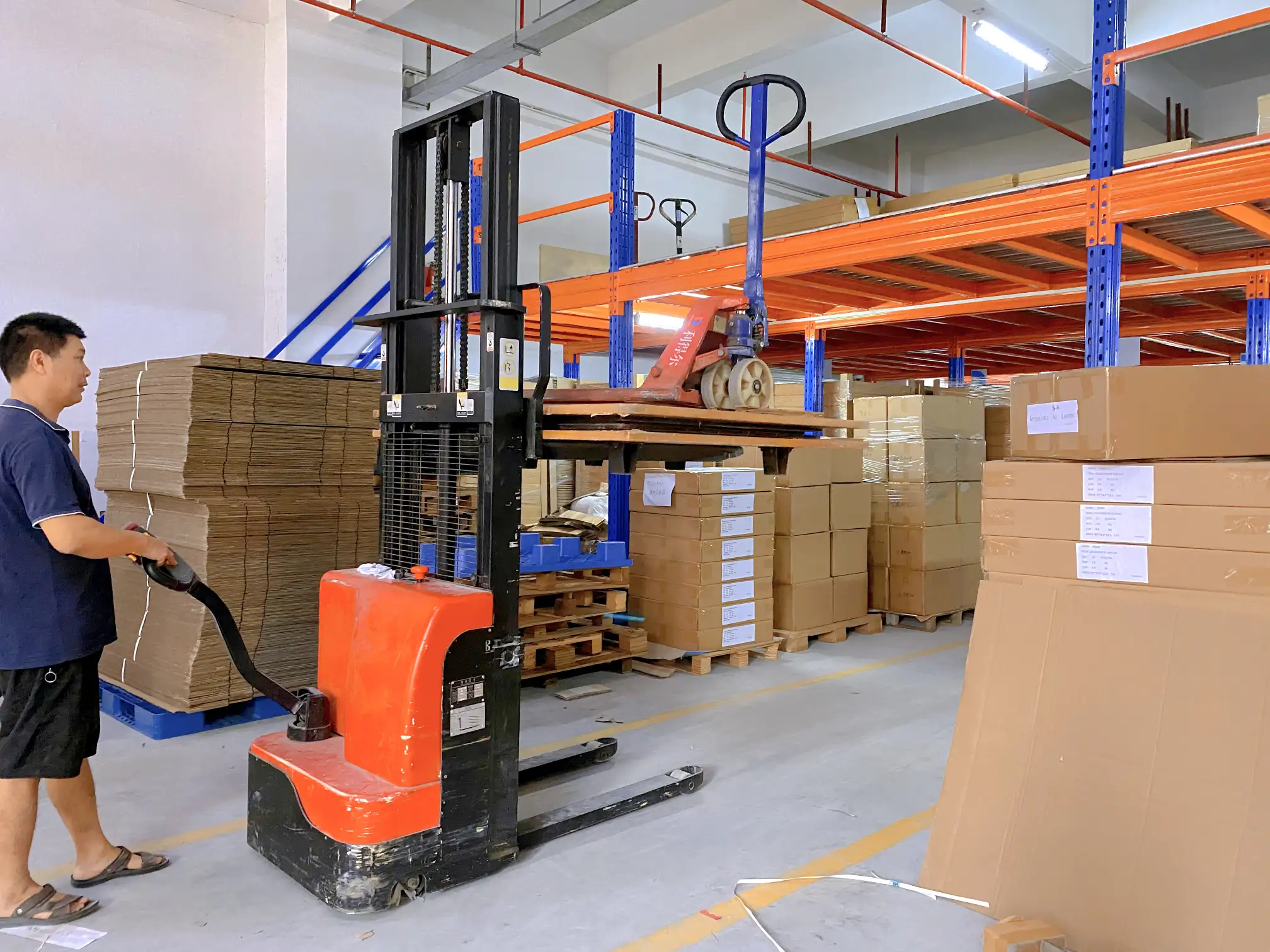
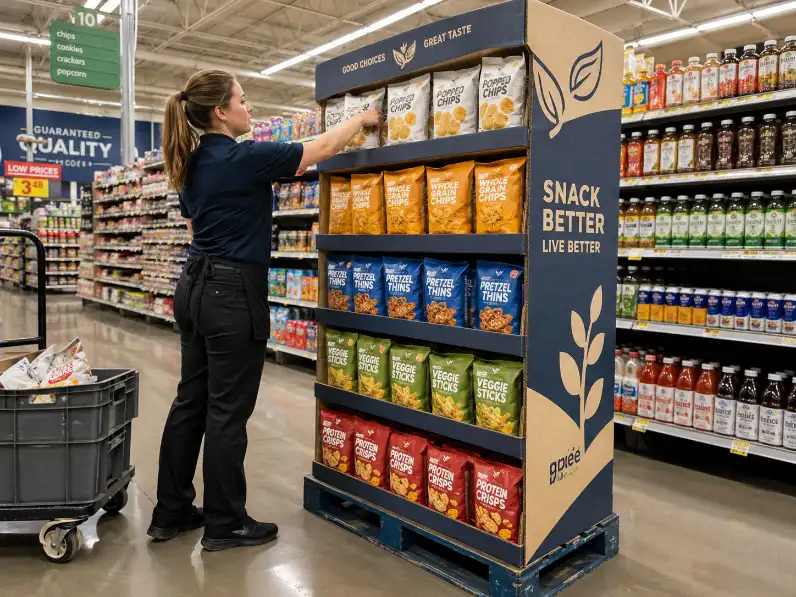
Refill is a movement problem before it is a design problem. A pallet display may look efficient on paper and still become awkward in the aisle if the packs are too deep, the stack height is wrong, or the access angle feels unnatural during restocking.
This is where many buyers underestimate store reality. Retail staff do not refill displays in ideal conditions. They are moving fast. They may be restocking around shoppers. They may have limited space beside the unit. A good pallet display should support easy reach, clear placement, and fast visual recovery after each case is added.
That is the standard. If the product block only looks right after too much adjustment, the refill design is weak.
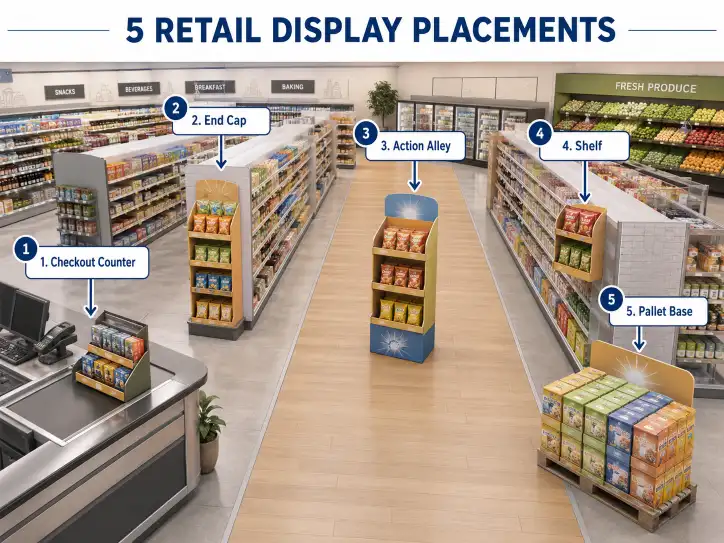
For broader structure options, see our cardboard display category and pallet display page. Those pages help frame where pallet structure makes sense before the refill question gets deeper.
Rule 3: A Pallet Display Should Still Look Strong After Partial Sell-Through
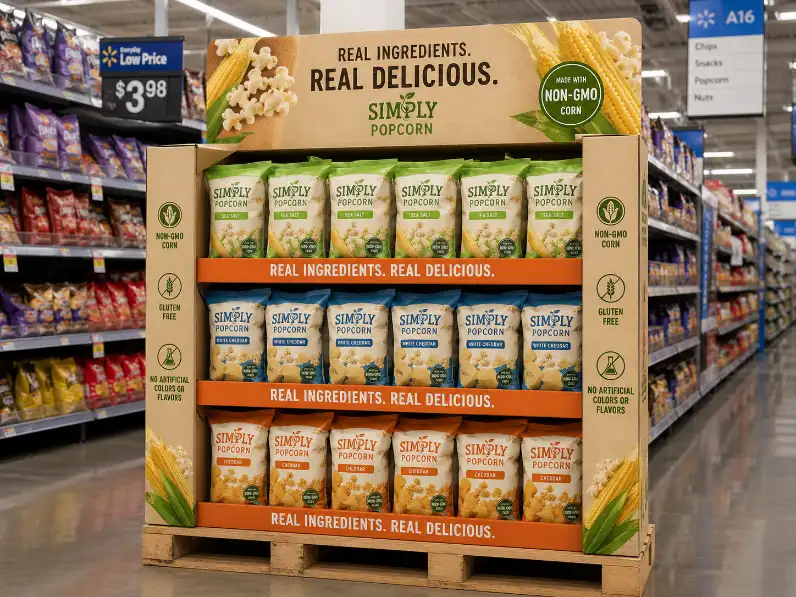
A full pallet display is easy to admire. A half-sold pallet display is where the real test begins. Buyers should always think beyond launch-day photos and ask what happens after the first fast-moving SKUs disappear.
Some products leave the display looking balanced even after uneven sales. Others make the unit look broken as soon as one section empties faster than the rest. That difference changes the retail result more than most teams expect.
A good refill design protects visual stability during partial sell-through. The remaining stock should still look intentional. The shopper should still understand the product family quickly. The unit should still feel like an active selling surface, not a damaged block with gaps.
That is why pallet display planning should include a partial depletion test. Remove one-third of the stock. Remove one fast-selling lane. Check whether the display still looks shop-ready. If it does not, the refill logic needs work before production begins.
Our SKU planning guide is useful here because too much assortment often makes partial sell-through look worse, not better.
Rule 4: Stability Has to Survive Refill, Not Only Launch Setup
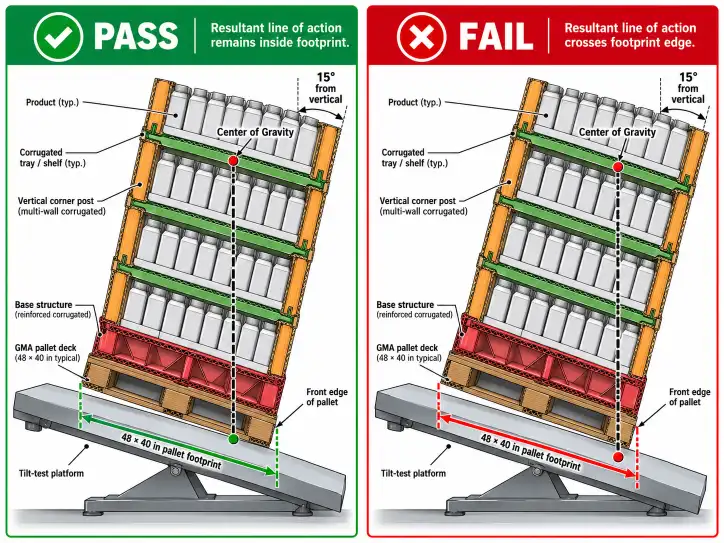
Many pallet displays look stable when fully loaded and untouched. That is not enough. They must also stay stable during refill, when store staff are lifting cases, replacing packs, and changing the weight distribution across the unit.
This is where real structural thinking matters. A cardboard pallet display should be designed around actual load behavior, not only static load. If heavier products are concentrated on one side during restocking, does the unit stay balanced? If the top layer sells through first, does the lower stack still hold shape? If the tray edges receive repeated handling, do they still support clean facing?
Those are supplier questions. A better cardboard display manufacturer should already be thinking about them during the design and sample stage.
Board choice matters here too. A weak material assumption can make a pallet display look acceptable in the sample room and weaker in store after repeated refill cycles. Our corrugated grades guide is the best internal page to support this check.
Rule 5: Graphics and Grouping Should Help Staff Refill Faster
Graphics sell the display. They should also help staff restore it. On a pallet display, strong visual blocks, simple product grouping, and clear front-facing cues make refill faster because the staff member can see what “right” looks like at a glance.
This is where too much design can hurt. Busy visual layouts, weak grouping signals, or unclear SKU separation make the display harder to restore after sell-through. A pallet display already creates presence through scale. The graphics should support order, not add noise.
In practical retail terms, the best pallet display graphics help answer three quick questions. What belongs here? What belongs next to it? What should the finished block look like after refill? When the display answers those questions clearly, the store does not need to guess.
For broader retail-ready logic, the same principles show up in corrugated guidance around easy identification, easy shopper access, and easy replenishment. See FEFCO Shelf Ready Packaging. For general corrugated background, see the Fibre Box Association overview of corrugated.
| Refill Factor | What Good Looks Like | What Usually Creates Problems |
|---|---|---|
| Product mix | Similar case sizes and clear facings | Mixed pack sizes with weak grouping |
| Hand access | Staff can reach, place, and face products quickly | Awkward depth or blocked access |
| Partial sell-through | The unit still looks balanced after stock drops | Large visual holes appear too early |
| Stability during refill | The structure stays straight while being restocked | Weight shifts create leaning or weak rows |
| Graphics and grouping | Clear visual cues help restore the layout | Busy design slows refill decisions |
What Buyers Should Check Before Approving a Pallet Display
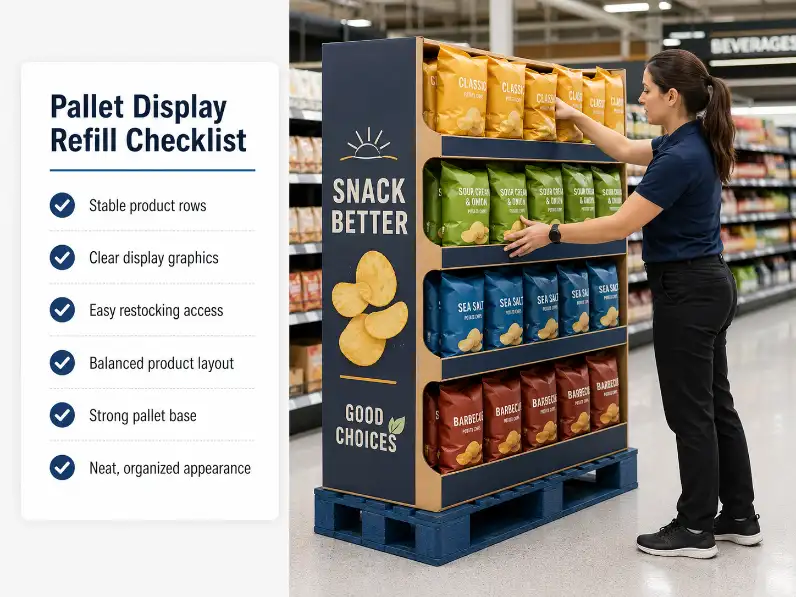
Before mass production begins, buyers should check the pallet display under refill conditions, not only in a launch-ready setup. That means loading real products, removing part of the stock, restoring the layout, and watching what happens to stability, product rhythm, and visual clarity.
Ask direct questions:
- Can store staff refill the display in a smooth sequence?
- Does the unit stay balanced during uneven restocking?
- Will the display still look sellable after one-third of the stock is gone?
- Do the graphics help staff rebuild the block quickly?
- Does the product grouping stay obvious after partial sell-through?
Those five checks tell you more than a polished sample photo. A pallet display that refills well usually sells better because it stays stronger for longer in the aisle.
Conclusion
A strong pallet display refill system comes from the same core choices every time: a cleaner product mix, easier hand access, better partial sell-through behavior, stronger stability during restocking, and graphics that help staff rebuild the visual block fast. When those five refill rules are built into the project early, the display stays stable longer, looks fuller longer, and keeps working after the first traffic surge is over. Test the refill logic before you approve the rollout.
For help reviewing a pallet display project, a sample, or a refill layout, please contact us.
FAQ
Why does refill matter so much for a pallet display?
Because a pallet display that is hard to restock loses visual order quickly and stops selling as strongly after the first wave of store traffic.
What products refill best on a pallet display?
Products with similar case sizes, clear front-facing packs, and easy grouping usually refill best because staff can restore them quickly.
Should buyers test partial sell-through before approval?
Yes. A pallet display should still look balanced and shop-ready after part of the stock is removed.
Can heavy products work on a pallet display?
Yes, but only when the board grade, tray support, and refill stability are matched to the real load.
Do graphics affect refill speed?
Yes. Clear grouping and simple visual cues make it easier for staff to restore the display correctly.
What is the biggest refill mistake in pallet display planning?
The biggest mistake is approving the launch look without testing how the display behaves during real restocking and uneven sell-through.