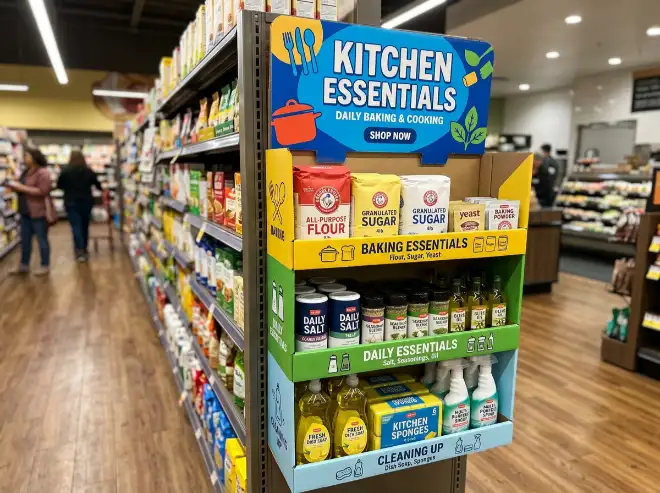
A sidekick display can drive strong add-on sales, but it can also become messy fast. That happens when the display is overloaded, refilled badly, or matched with the wrong products. A sidekick display works best when it stays easy to scan, easy to refill, and easy to shop.
For brands, retailers, and importers, the goal is not only to launch the display in good condition. The goal is to keep it looking full and organized after real customer activity. In this guide, we explain seven practical ways to keep a sidekick display working well in store and what buyers should check before production starts.
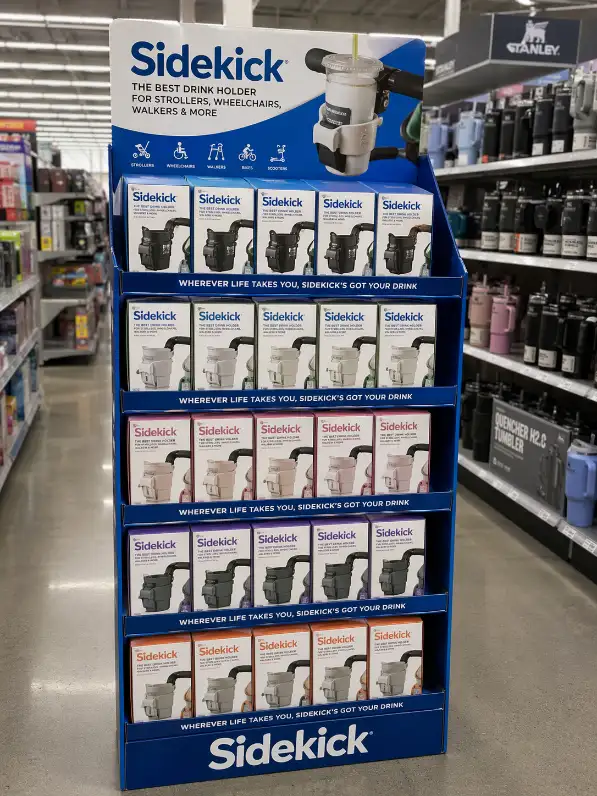
1. Start With the Right Product Size
A sidekick display is narrow by nature. That means product size matters more than many buyers expect. If the product is too wide, too deep, or too heavy, the display loses order quickly. Packs begin to lean, the layout looks crowded, and refill becomes slower.
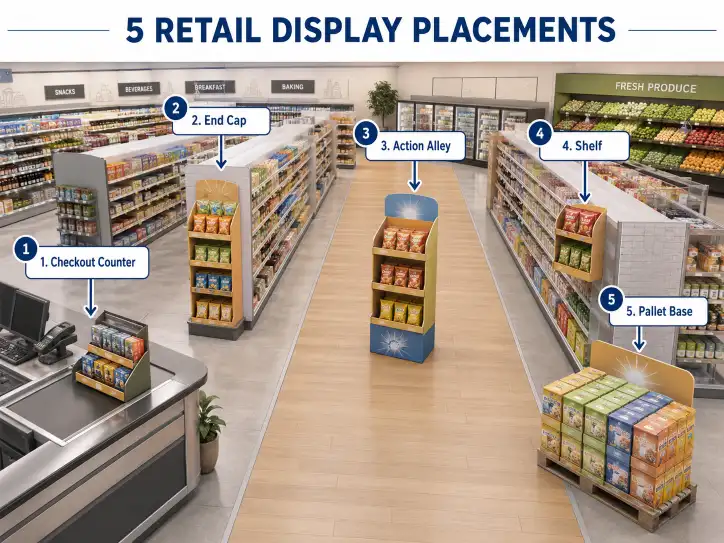
This is why sidekick units usually work best with compact items that are easy to hang or stack in a narrow space. If you are comparing structure types first, our cardboard display category is a useful starting point.
2. Keep the SKU Count Under Control
Many sidekick displays start looking messy because too many SKUs are forced into one small area. More variety may look attractive during planning, but too much assortment usually weakens visibility and makes refill harder.
A cleaner display usually sells better because the shopper can understand it faster. If you are deciding how many variants to show, our article on how many SKUs one cardboard display should hold is a useful next read.
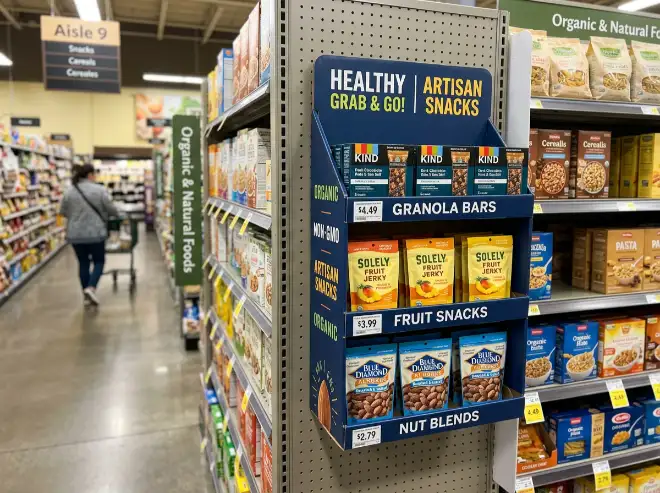
3. Group Products in a Way Store Staff Can Restore Easily
A sidekick display stays organized longer when the grouping logic is obvious. That could mean grouping by flavor, format, function, or pack size. The exact rule matters less than consistency. If store staff can understand the pattern quickly, they can refill the display without guessing.
When grouping rules are weak, products return to random positions after sell-through. That is usually when the display starts to lose visual order.
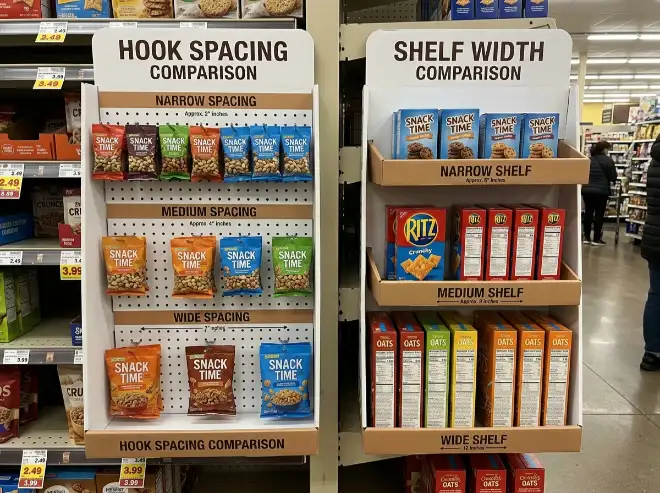
4. Use Hook Spacing or Shelf Width That Matches the Pack
Some sidekick units use hooks. Others use small shelves. In both cases, spacing matters. Hooks that sit too close together create overlap. Shelves that are too narrow make the products look crowded. Shelves that are too wide can look empty too quickly.
The best sidekick displays match the presentation method to the product. If the range includes hanging items, hook spacing should keep each pack visible. If the unit uses shelves, the shelf width should keep the products aligned without wasted space.
5. Check How the Display Looks After Partial Sell-Through
A sidekick display should not be judged only when it is fully stocked. Buyers should remove some products and check what happens next. Does the layout still look balanced? Does the display still make visual sense? Are the remaining products still easy to shop?
This matters because many displays look strong on day one but lose order after the first few sales. If the unit looks weak too quickly, the design still needs work.
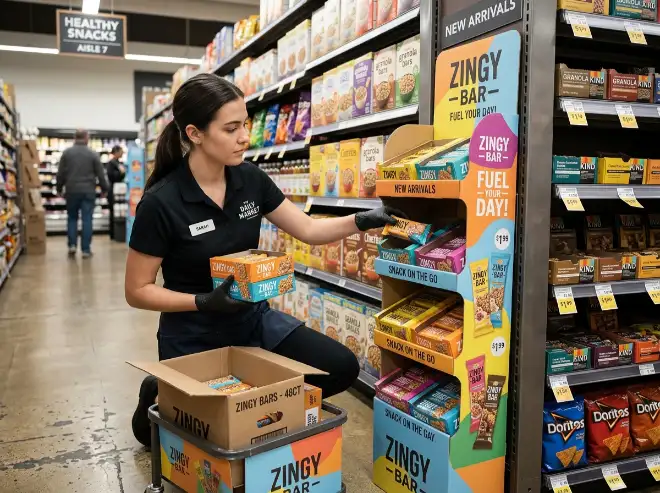
6. Make Refill Fast, Not Clever
Retailers care about refill speed. If the display takes too long to restore, it will not stay neat for long. Good sidekick design makes refilling feel obvious. Staff should know where each product belongs and should not need to rebuild the display every time they touch it.
If you want to review setup and handling from a store perspective, our assembly instructions page and our article on what a cardboard display sample should prove can help support that review.
7. Keep the Graphics Clear Enough to Support the Layout
A sidekick display already has visual activity because of its narrow shape and product density. If the header, side panels, or front graphics are too crowded, the whole unit can feel messy even when the products are arranged correctly.
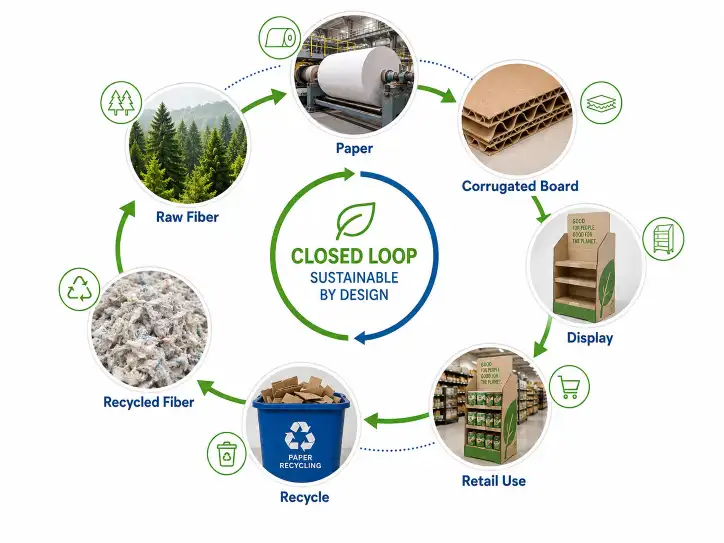
Clean graphics make the display easier to understand. The design should help shoppers identify the product family quickly, not compete with it. This is one reason corrugated displays work well in retail when structure and graphics support the same simple message.
Sidekick Display Organization Table
| Control Point | What Keeps the Display Organized | What Usually Creates Disorder |
|---|---|---|
| Product size | Compact packs that fit the narrow structure | Wide or bulky packs that crowd the unit |
| SKU count | Focused assortment | Too many similar SKUs in one small area |
| Grouping logic | Clear product families by type or function | Random refill and mixed variants |
| Hook or shelf spacing | Products stay visible and aligned | Overlap, wasted space, or uneven rows |
| Refill speed | Staff can restore the layout quickly | Refill feels slow or confusing |
| Graphics | Simple category cues and clean header | Busy visuals that add clutter |
Questions Buyers Should Ask Before Approving a Sidekick Display
- Is the product compact enough for a narrow display?
- Is the SKU count realistic for the available space?
- Can store staff understand the grouping logic quickly?
- Will the display still look organized after partial sell-through?
- Does the refill process feel fast and simple?
- Do the graphics support order instead of visual noise?
Useful External References
Retail-ready corrugated formats perform best when they support easy product identification, easy shopper access, and simple store handling. For more on that retail logic, see FEFCO Shelf Ready Packaging. For broader background on corrugated retail graphics and transport efficiency, see the Fibre Box Association overview of corrugated.
Conclusion
A sidekick display stays full and organized when the product size is right, the SKU count stays focused, the grouping logic is easy to restore, and the refill process feels simple for store staff. In retail, the strongest sidekick display is not the one that looks good only on launch day. It is the one that stays clear, shoppable, and easy to maintain after real customer activity.
For help developing a sidekick display that stays cleaner and easier to manage in store, please contact us.
FAQ
Why do sidekick displays become messy so fast?
They usually become messy when the product size is wrong, the SKU count is too high, or store staff do not have a clear refill pattern to follow.
How many SKUs should a sidekick display hold?
There is no single number for every project, but sidekick displays usually perform better when the assortment stays focused and easy to scan.
Do sidekick displays work better with hooks or shelves?
It depends on the product. Hanging packs often work well with hooks, while compact boxed items may work better on small shelves.
Why is partial sell-through important in sample review?
Because some displays look fine when fully stocked but lose order quickly after the first few sales.
Can graphics make a sidekick display look messy?
Yes. If the graphics are too busy, the whole display can feel crowded even when the products are placed correctly.
What is the biggest mistake with a sidekick display?
The biggest mistake is forcing too many products into a narrow format that cannot stay clear after refill.