Designing a cardboard display is not just about making something that looks good. The real goal is to create a display that sells. Many displays look attractive in design files but perform poorly in stores because they do not consider how shoppers actually behave in retail environments.
A high-converting display is one that attracts attention, communicates product value quickly, and makes it easy for shoppers to pick up items. In this guide, we break down how to design a cardboard display from a buyer’s perspective, focusing on what actually drives retail performance.
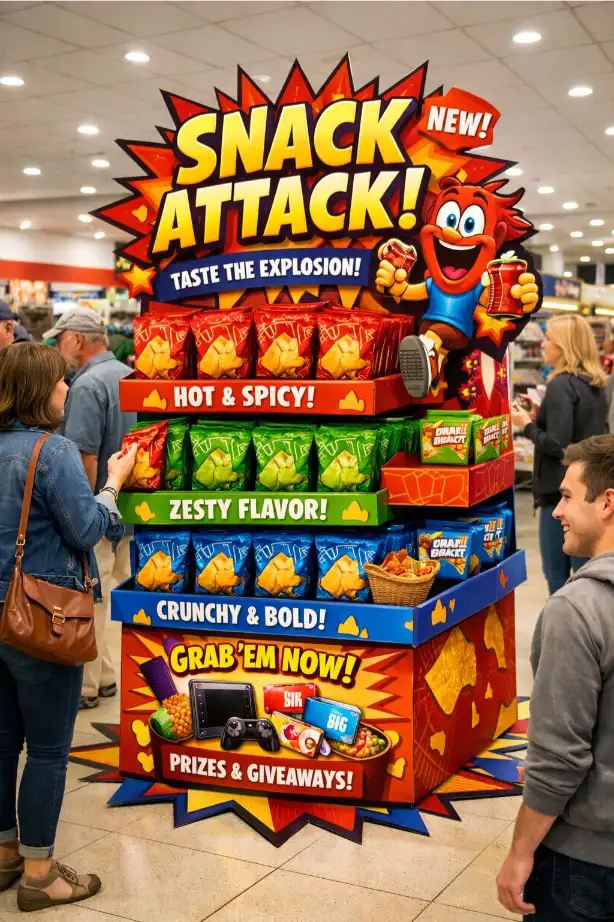
What Makes a Cardboard Display “High-Converting”?
A high-converting display does three things well:
- grabs attention within seconds
- communicates product clearly
- makes buying easy
If any of these elements are missing, the display may look good but will not perform well.
Step 1: Design for Distance First
Most shoppers see a display from several meters away. If the display does not stand out at a distance, it will not bring customers closer.
- use strong color contrast
- keep messaging simple
- highlight key product benefit
A common mistake is adding too much detail. In reality, less is often more.
Step 2: Make Product Easy to Understand
Once shoppers approach the display, they should immediately understand what the product is. Clear layout and grouping are critical.
- group products by type or flavor
- avoid mixing too many SKUs
- keep labels visible
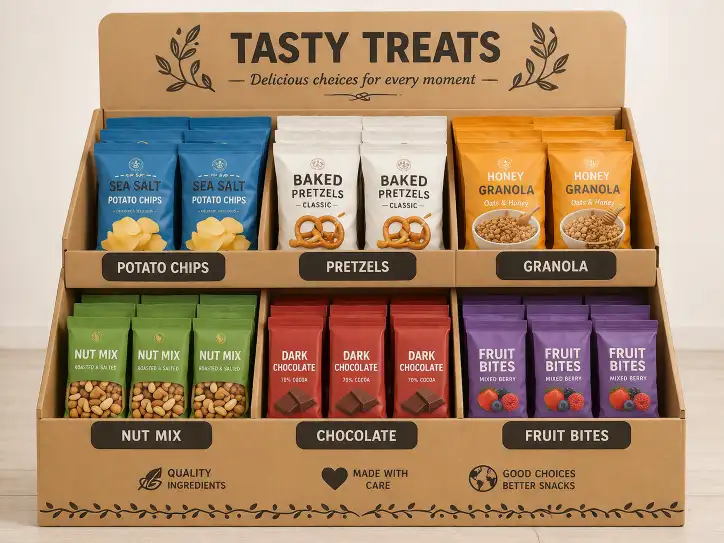
Step 3: Optimize Product Placement
Placement directly affects sales. Eye-level positions are the most valuable and should be used for best-selling products.
- top shelves for branding
- middle shelves for best sellers
- lower shelves for bulk items
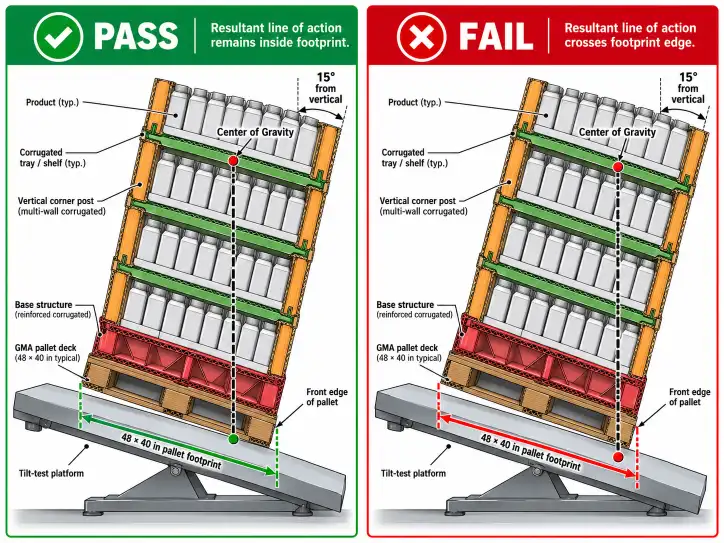
Step 4: Balance Structure and Load Capacity
A display must look good, but it also needs to be strong enough to hold products safely. Weak structure leads to poor retail performance.
Material choice plays a key role. If you are unsure, you can review our corrugated grades guide.
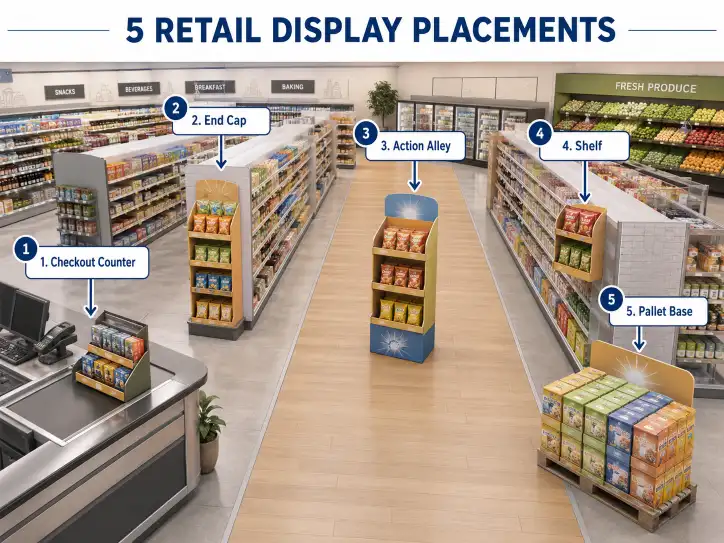
Step 5: Choose the Right Display Type
Different structures serve different purposes:
| Display Type | Best Use |
|---|---|
| Counter Display | Impulse purchases |
| Floor Display | Main retail promotion |
| Pallet Display | High volume sales |
You can explore more options in our retail display solutions.
Step 6: Use Graphics Strategically
Graphics should support the product, not overwhelm it. The most effective displays use:
- bold colors
- clear branding
- minimal text
For more detail, see our printing guide.
Step 7: Design for Real Retail Conditions
A display must work in real stores, not just in design previews. Consider:
- store traffic
- lighting conditions
- refilling frequency
- space limitations
Ignoring these factors often leads to poor performance.
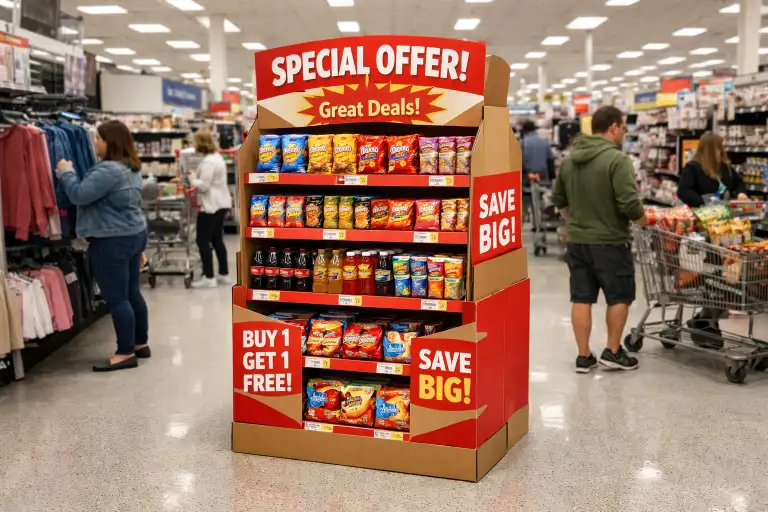
Cost vs Performance Balance
A higher-cost display does not always mean better results. The goal is to balance cost and performance. Over-designing can increase cost without improving sales.
To understand cost factors, you can check our cost guide and MOQ guide.
Common Design Mistakes
- too many SKUs
- weak visual impact
- poor product organization
- ignoring shopper behavior
Buyer Checklist
- confirm product type
- define display goal
- choose correct structure
- design clear layout
- test before production
External References
Fibre Box Association
FEFCO Standards
Conclusion
A high-converting cardboard display is not about complexity. It is about clarity, visibility, and usability. By focusing on real shopper behavior and retail conditions, buyers can design displays that truly improve sales.
If you want help designing a high-performing display, you can contact us.
FAQ
What makes a display high-converting?
Visibility, clarity, and ease of use.
Should I use more products on one display?
No, too many SKUs reduce clarity.
What is the best display type?
It depends on product and retail placement.
Do graphics matter?
Yes, strong visuals improve attention.
Is structure important?
Yes, it ensures stability and usability.
How to improve sales with display design?
Focus on layout, visibility, and shopper behavior.