A sidekick display can boost add-on sales fast. It can also become a problem fast. When refill takes too long or the layout breaks down after the first few sales, the display stops helping the store.
This guide shows how to make a sidekick display easier for retailers to refill. The goal is simple: keep the unit clear, quick to restore, and ready to sell after real customer traffic. Start here.
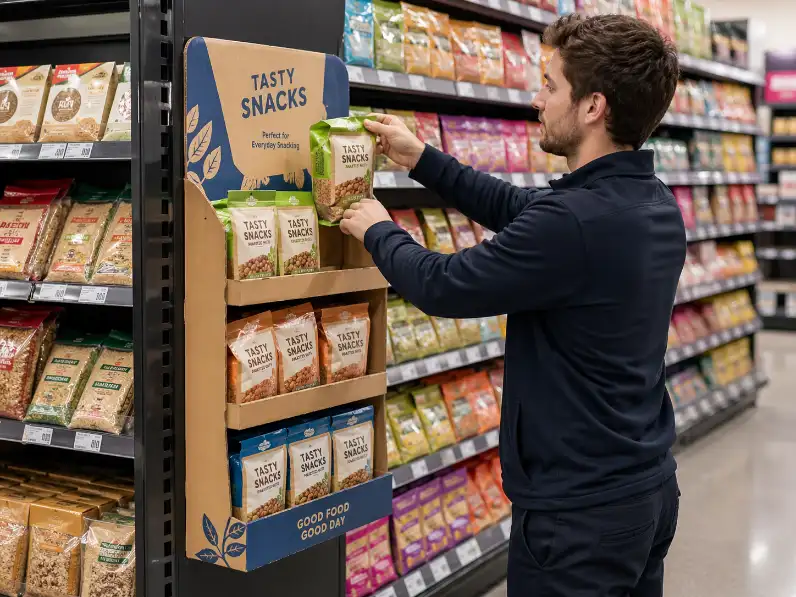
Why Sidekick Display Refill Matters More Than Buyers Expect
Many buyers approve a sidekick display based on shape, graphics, and cost. Those points matter. They are not enough. A retail sidekick display has to survive real store use, and that means refill speed becomes part of selling performance.
Think about what happens in store. Products sell at different speeds. One hook empties first. One shelf lane gets mixed. Staff refill in a hurry. If the display does not guide that process, the unit starts to look broken before the campaign is even halfway done. That hurts sales.
FEFCO’s retail-ready guidance keeps returning to the same store-side logic: easy identification, easy shelf placement, easy shopper access, and easy replenishment. That logic applies to sidekick display design too, even though the unit sits off the side of a main shelf instead of inside a regular shelf tray. Good refill design supports the same goal. Keep moving. (FEFCO Shelf Ready Packaging)
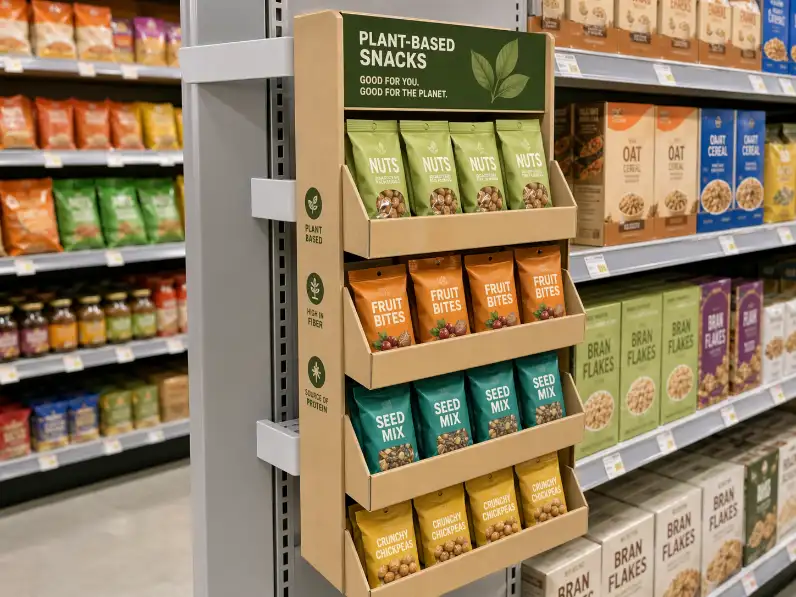
Tip 1: Start With Products That Refill Cleanly
The fastest refill wins. A sidekick display works better when the products are compact, easy to grab, and easy to return to the right position. If the packs twist, slide, fall forward, or block each other, refill becomes slower with every touch.
That is why product choice comes first. Small snacks, pet treats, batteries, lightweight accessories, sachets, and compact personal care items usually refill better than bulky boxed goods. Wide packs are harder to place neatly in a narrow structure. Heavy packs also create problems, especially if the display hangs off a shelf wing and starts to pull to one side.
If you want a broader product fit view before locking the refill plan, see our guide to products that work best on a sidekick display. It helps match the display format to the product before you get lost in execution details. Good first step.
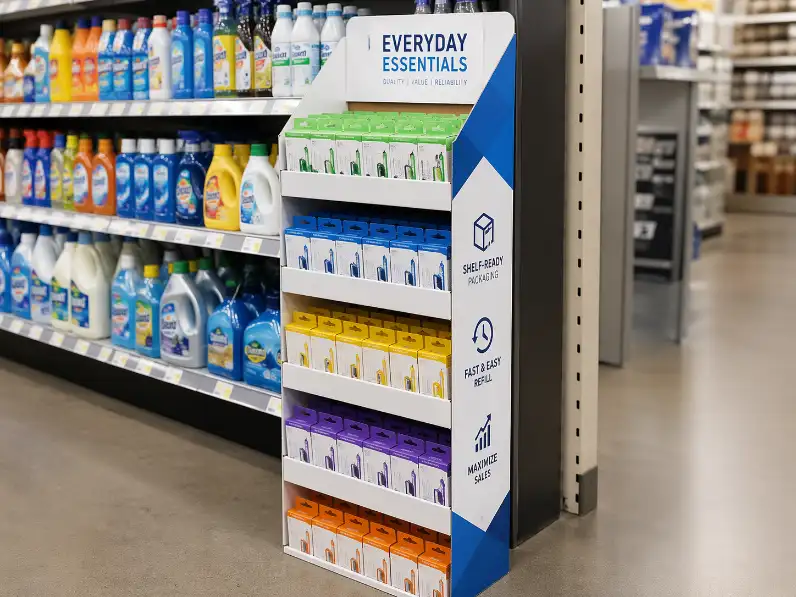
Tip 2: Keep the SKU Count Lower Than You First Want
This is where many projects go wrong. Buyers want more assortment. Retailers want less confusion. The sidekick display is narrow by nature, so too many SKUs create two problems at the same time: the shopper sees less clearly, and the staff member takes longer to refill.
Easy replenishment needs repeatable order. If the assortment is too wide, store staff have to stop and think. Which product goes on which hook? Which lane should be restored first? Which variant belongs next to which one? That pause adds labor. It also creates mistakes.
A focused layout is easier to sell and easier to refill. In many cases, fewer SKUs create better retail performance because the product families stay easy to scan. If you are working through that decision now, read our SKU planning article. It connects directly to sidekick display refill logic. Fewer choices. Better order.
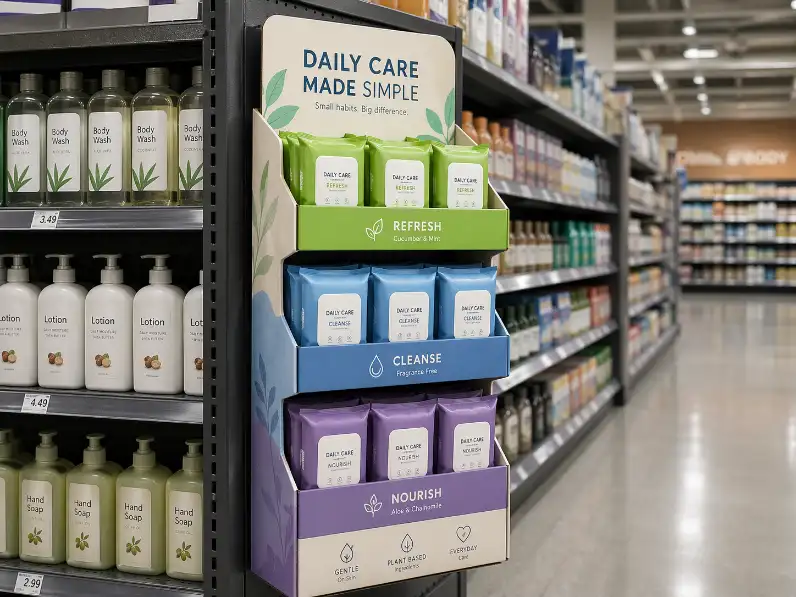
Tip 3: Make the Grouping Rule Obvious From One Glance
A store employee should not need to memorize the layout. The display should teach the layout by itself. That is what good grouping does. One row for one flavor. One column for one function. One section for one pack size. Simple rule. Strong result.
When the grouping logic is weak, refill becomes guesswork. Staff may place similar packs in the wrong row. Shoppers may return items to the wrong position. After a few refill cycles, the unit loses shape even though the structure itself is still fine.
The best sidekick display refill systems are easy to describe in one sentence. If you cannot describe the grouping rule quickly, the store probably cannot maintain it quickly either.